
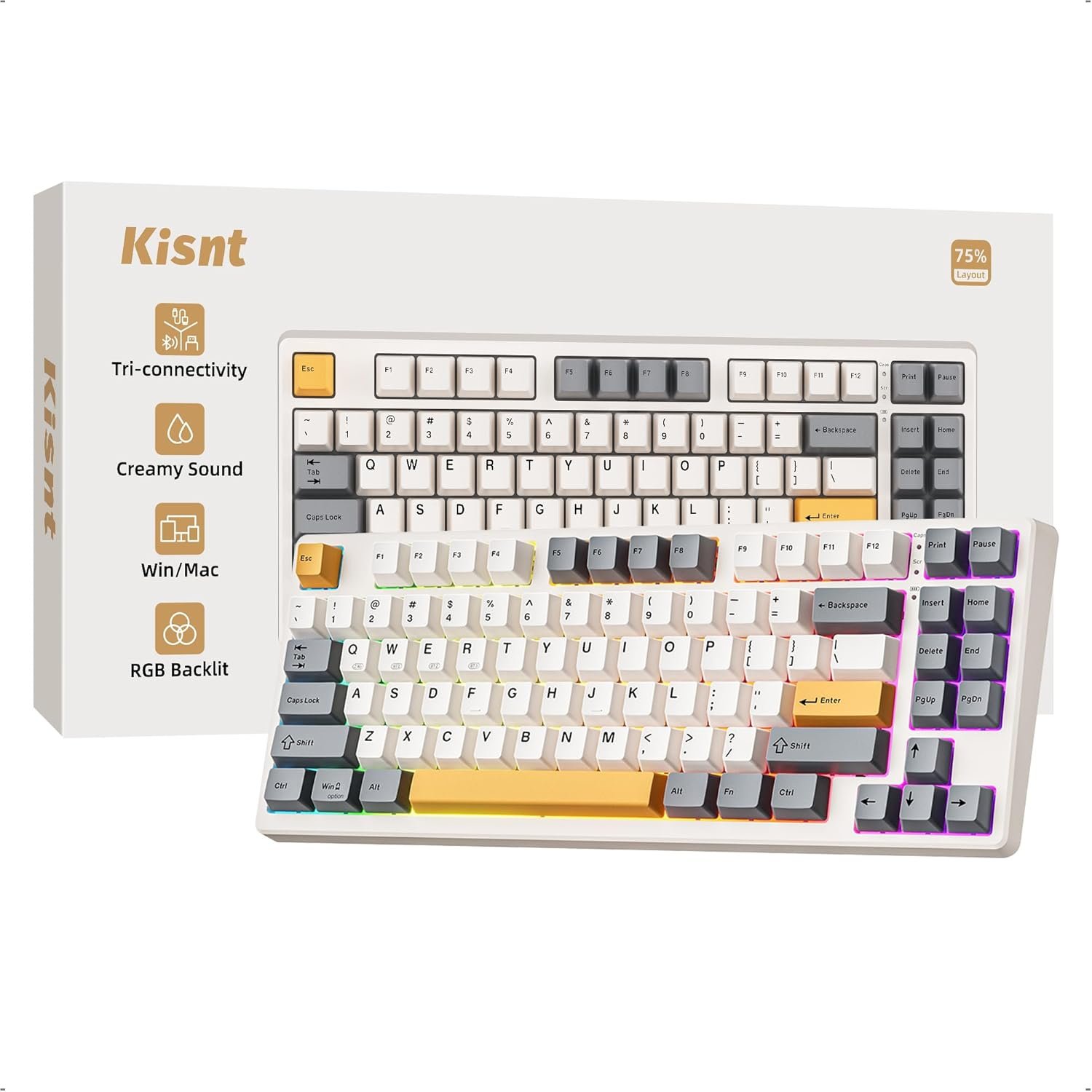




Kisnt KN85 Wireless Mechanical Gaming Keyboard, 75% Layout with RGB Backlit, Custom Hot Swappable, Creamy Sound, Bluetooth/2.4GHz/USB-C Compatible with Windows/Mac/PC(Retro Beige,Linear Switch)
£31.94
Price: GBP31.94
(as of Jun 01, 2026 13:22:51 UTC – Details)
Product description
Find Your Perfect Match
Layout/Size
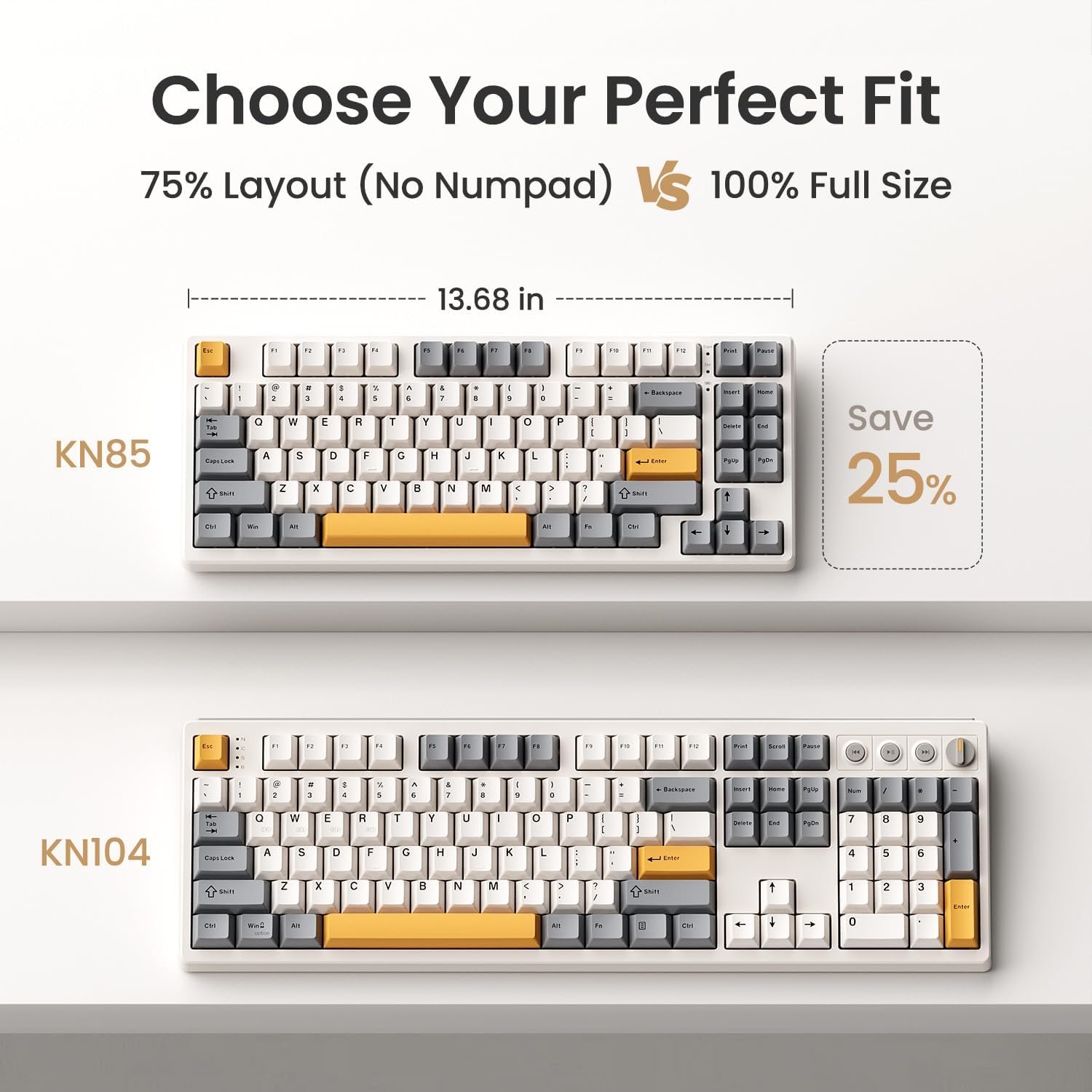
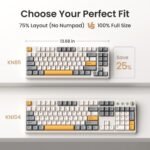
100% Full-size/ 17.52*5.55*1.65in
Layout/Size
75% Compact Layout/ 13.68*5.51*1.77in
Layout/Size
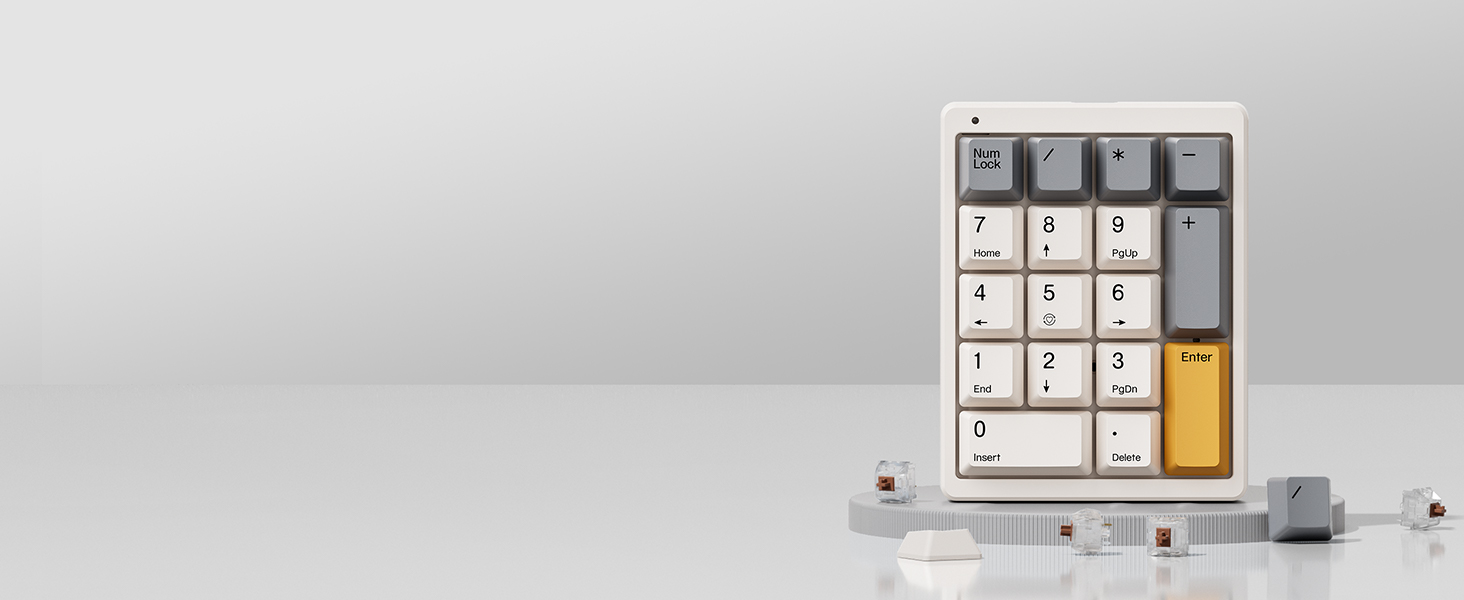
17 Keys Layout / 4.41*3.39*1.38in
Connectivity
USB‑C, 2.4GHz, Bluetooth 5.0
Connectivity
USB‑C, 2.4GHz, Bluetooth 5.0
Connectivity
Detachable Type-c Wired
Programmable
KN104 Software(WIN only)
Programmable
KN85 Software(WIN only)
Programmable
×
Purpose
Office, Data-heavy Work
Purpose
Writing& Typing, Gaming, Coding
Purpose
Speedsheets, Data Entry, Accounting
Ideal Users
Accountants& Finance Pros, Home Desktop Users, Traditional Typists
Ideal Users
Laptop Users, Gamers, Programmer, Minimalists
Ideal Users
Accountants& Finance Pros, Laptop Users, Compact Keyboard Owners

The Compact Without Numpad 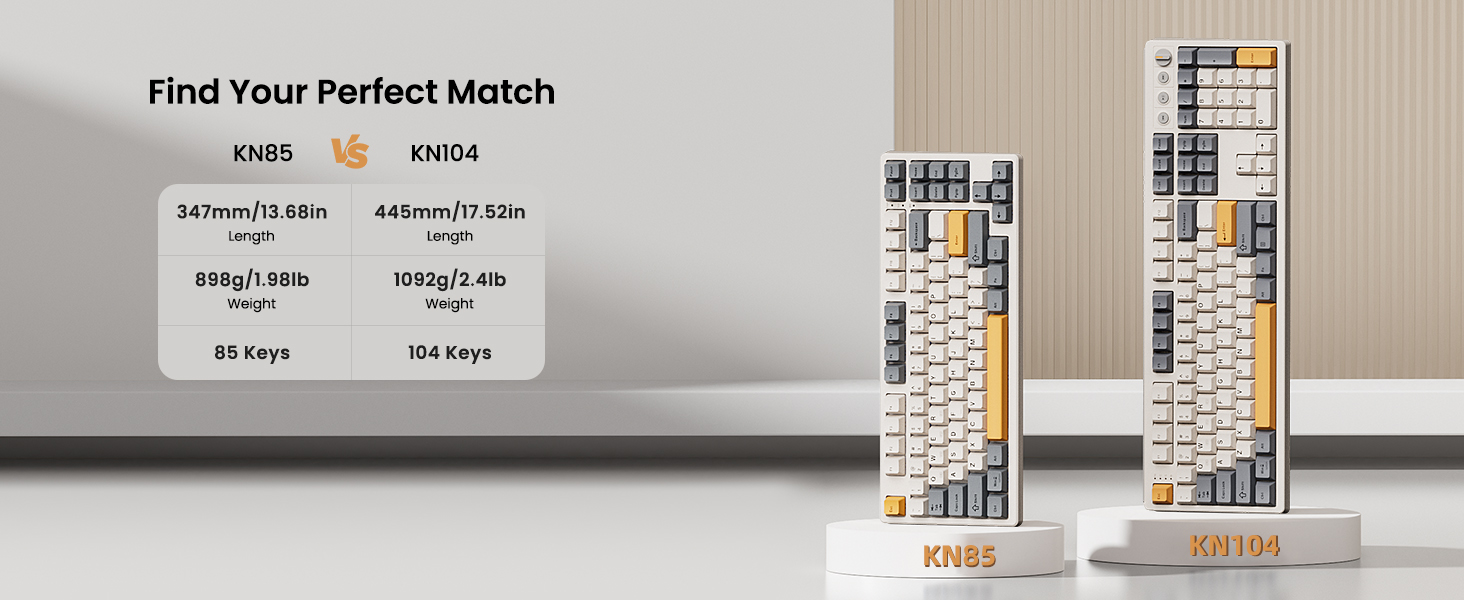


1 3 Modes Connection
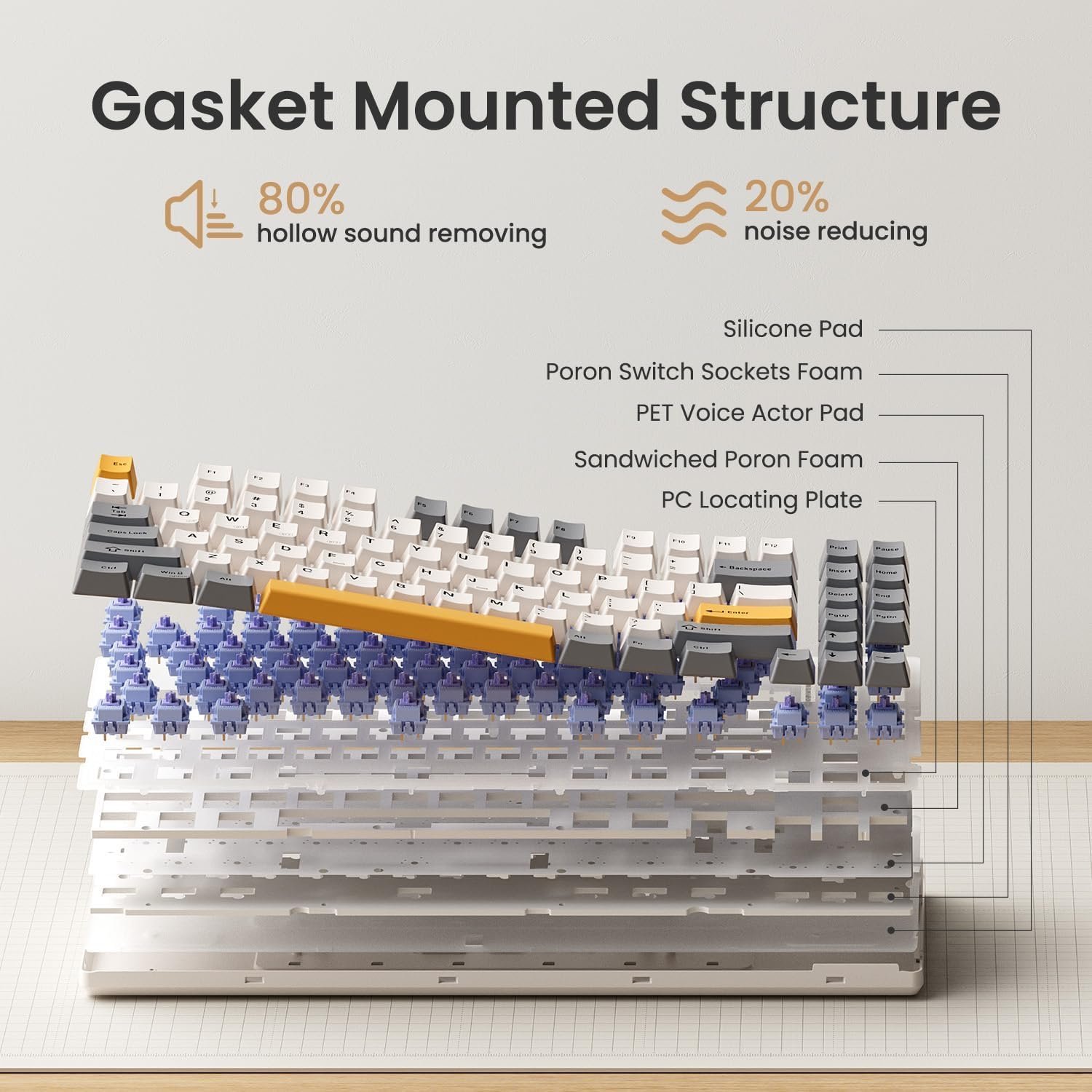
2 Gasket Mount Structure
3 Pre-lubed Linear Switches
4 More Trustworthy Details


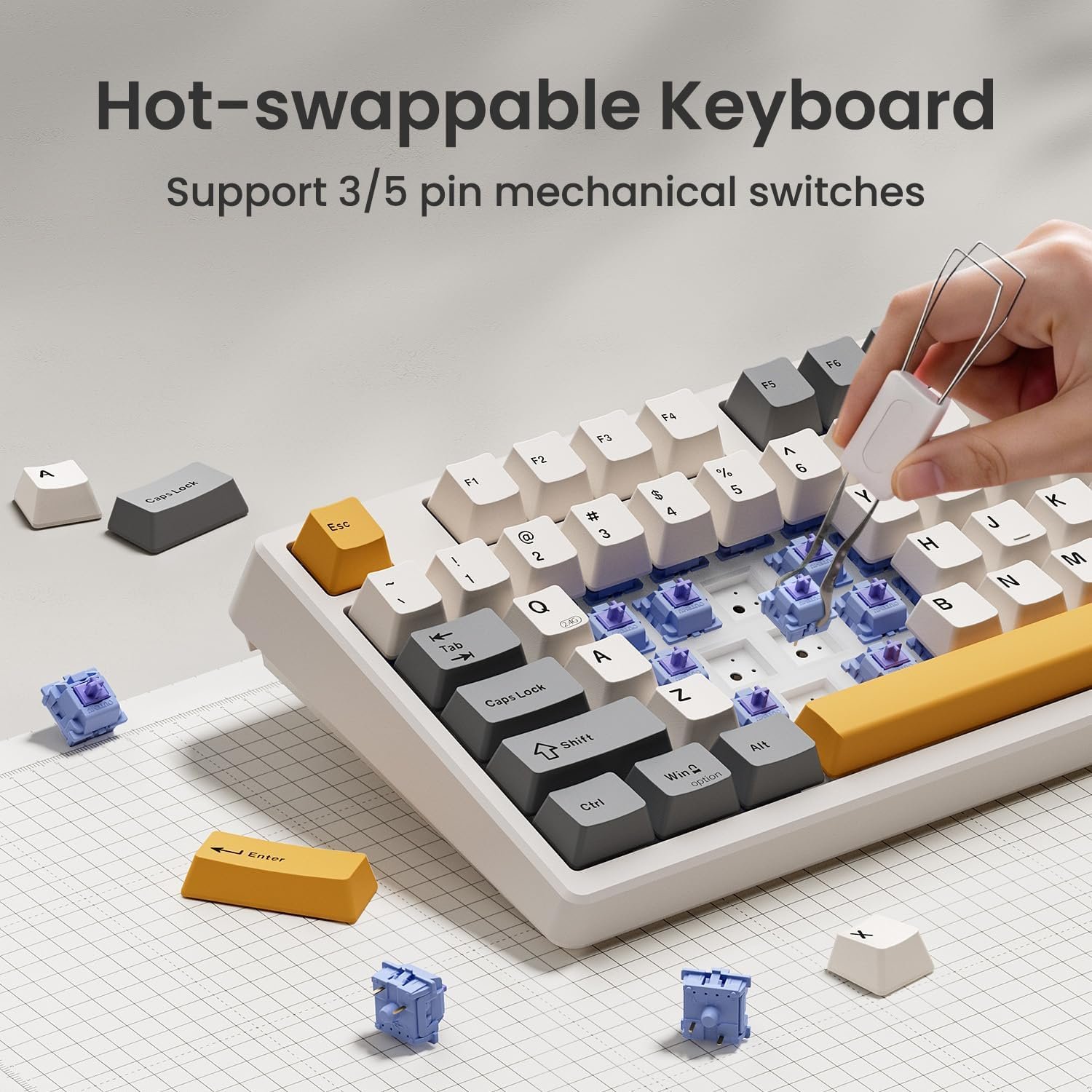
1 Hot-swappable
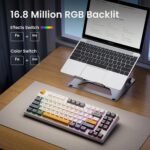
2 RGB Backlit
3 PBT Keycaps
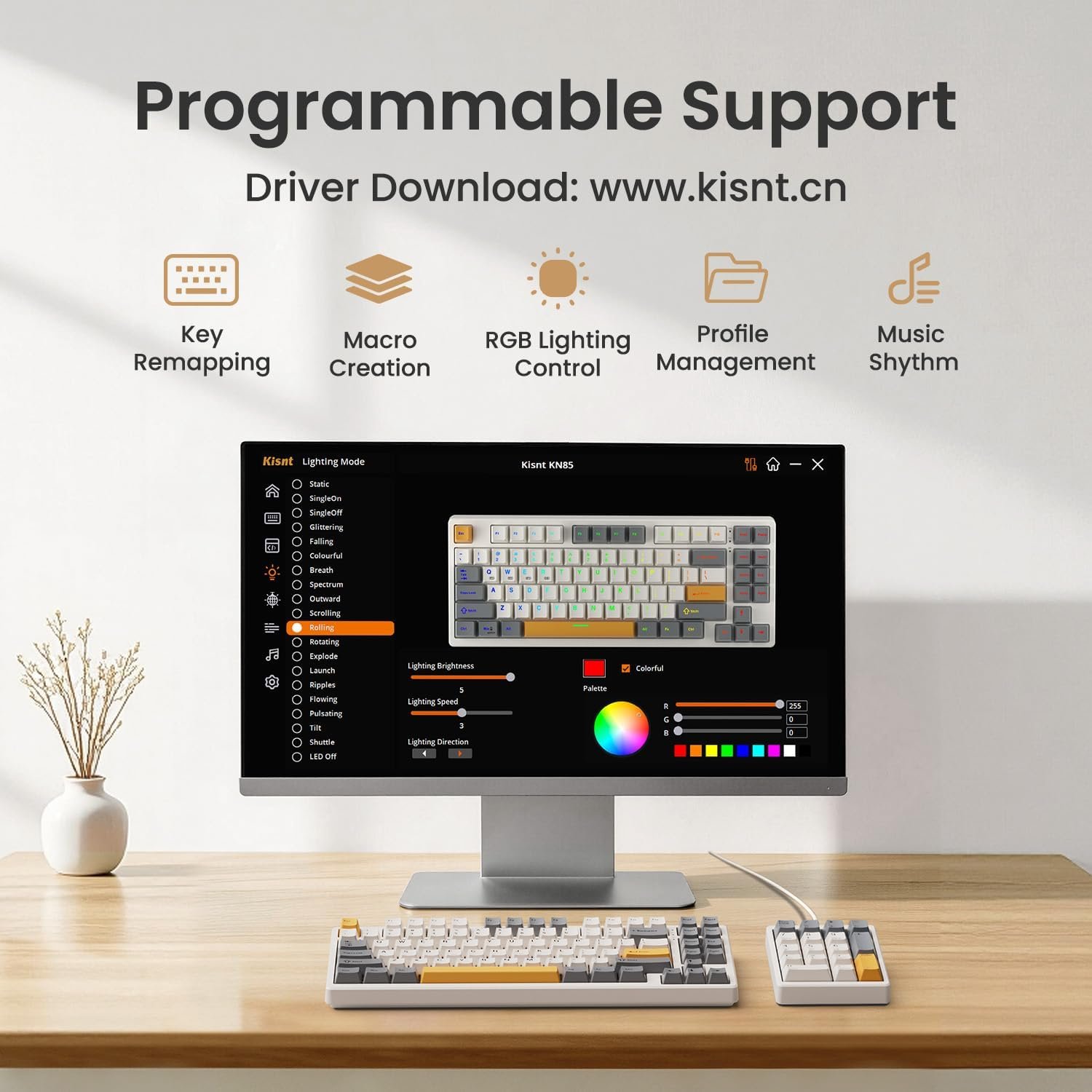
4 Driver Support
What’s the dimensions?
Weighing 1.98 lb, its compact 75% layout (13.68*5.51*1.77 inches) saves desk space by omitting the number pad. For a full-sized option, please refer to Kisnt KN104.
How can get the software for KN85?
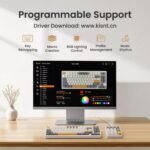
The custom keyboard works seamlessly with both Windows and Mac, but programming is only supported in wired/ 2.4G wireless mode on Windows. You can download the driver from: www.kisnt.cn.
How to adjust the RGB backlighting?
1. Shortcut keys for quick adjustments:
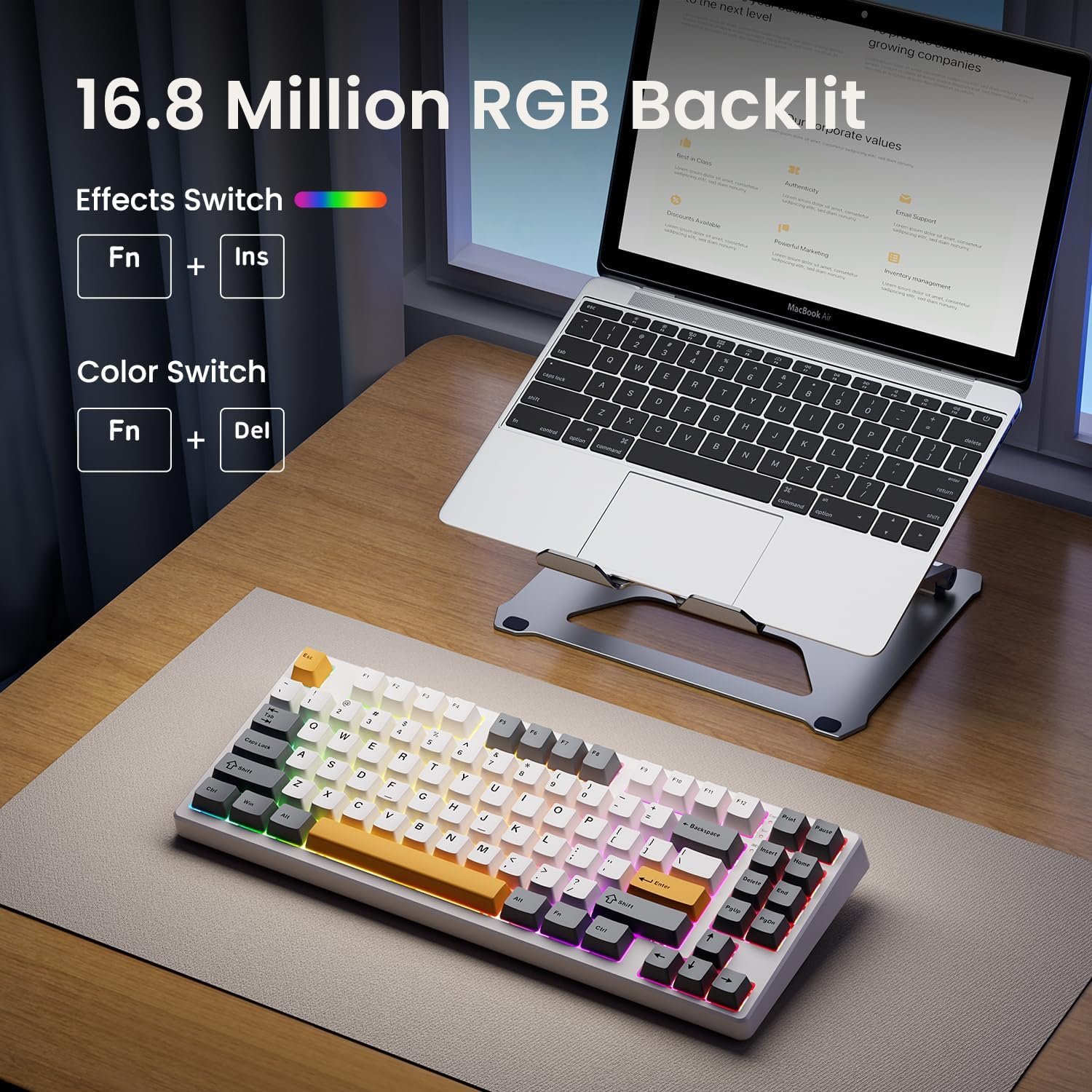
FN+Insert = Switch 20 RGB lighting effects. FN+Delete= Backlight color switching.
Brightness : FN+↑ /↓, Backlight speed: Fn+→/←.
2. The KN85 driver for advanced programmable lighting effects and patterns.
Why does the keyboard fail to connect (or keep disconnecting) in wireless mode?
Low battery- Make sure the battery is still active before further troubleshooting.
Bluetooth compatibility- Bluetooth connectivity requires Windows 8 or later and only supports Bluetooth version 4.0 to 5.3.
Is quiet to type on?
It is not a silent keyboard, but be quieter than typical mechanical keyboards and delivers a satisfying “thocky” creamy sound instead of clicky noise.
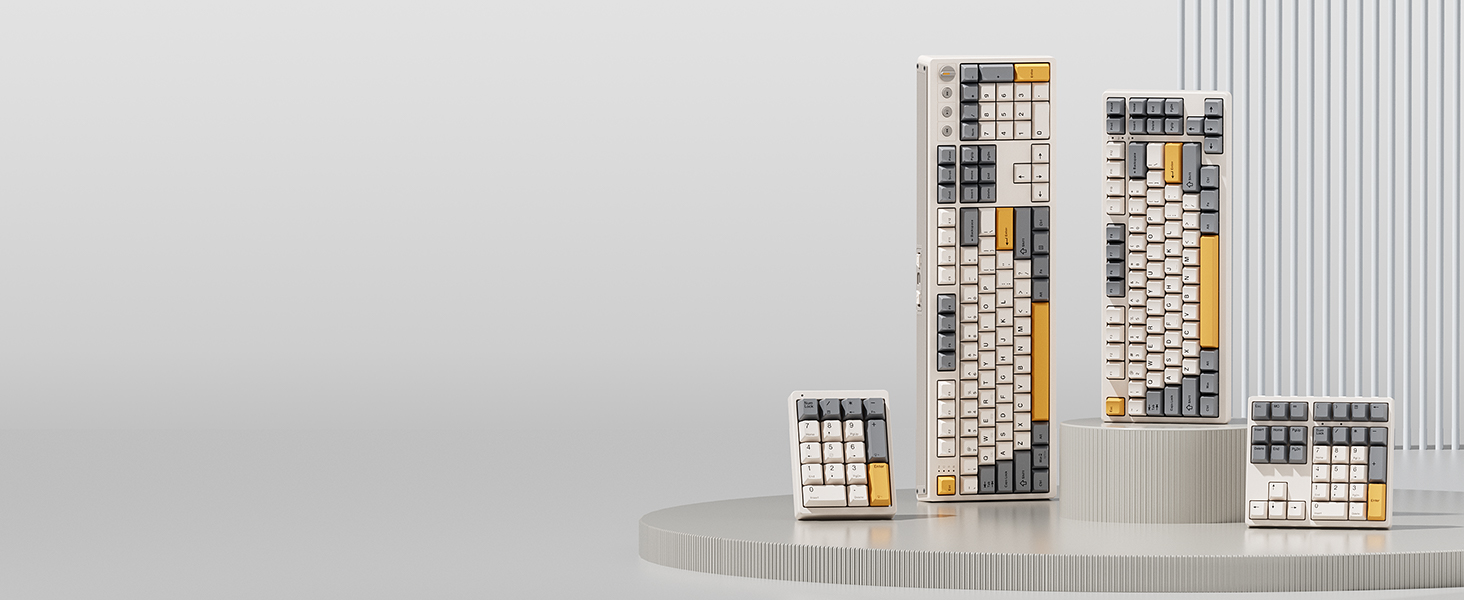 Complete Your Setup
Looking for more than a lone upgrade? Meet your new desk aesthetics and deck out your battle station with Kisnt.
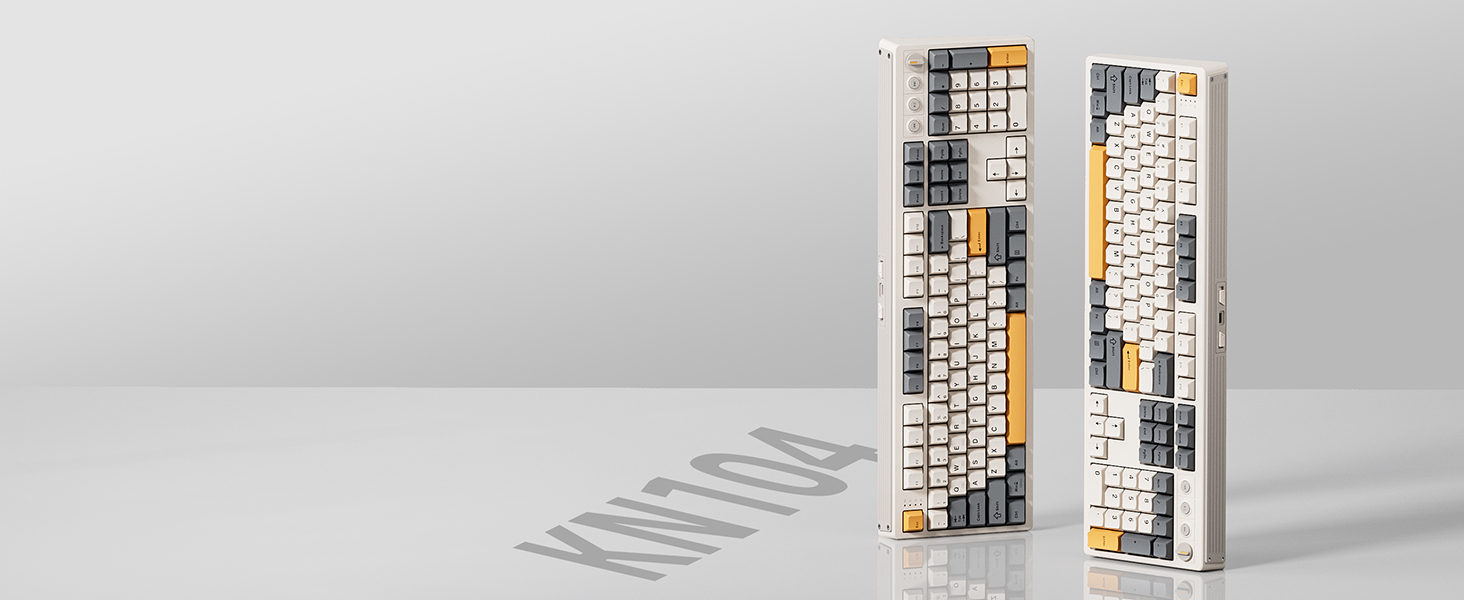 Kisnt KN104
Features 100% full-size layout with function keys, and numeric zones for a more comfortable and productive office. If you’re switching from a regular keyboard you will notice a difference with it.
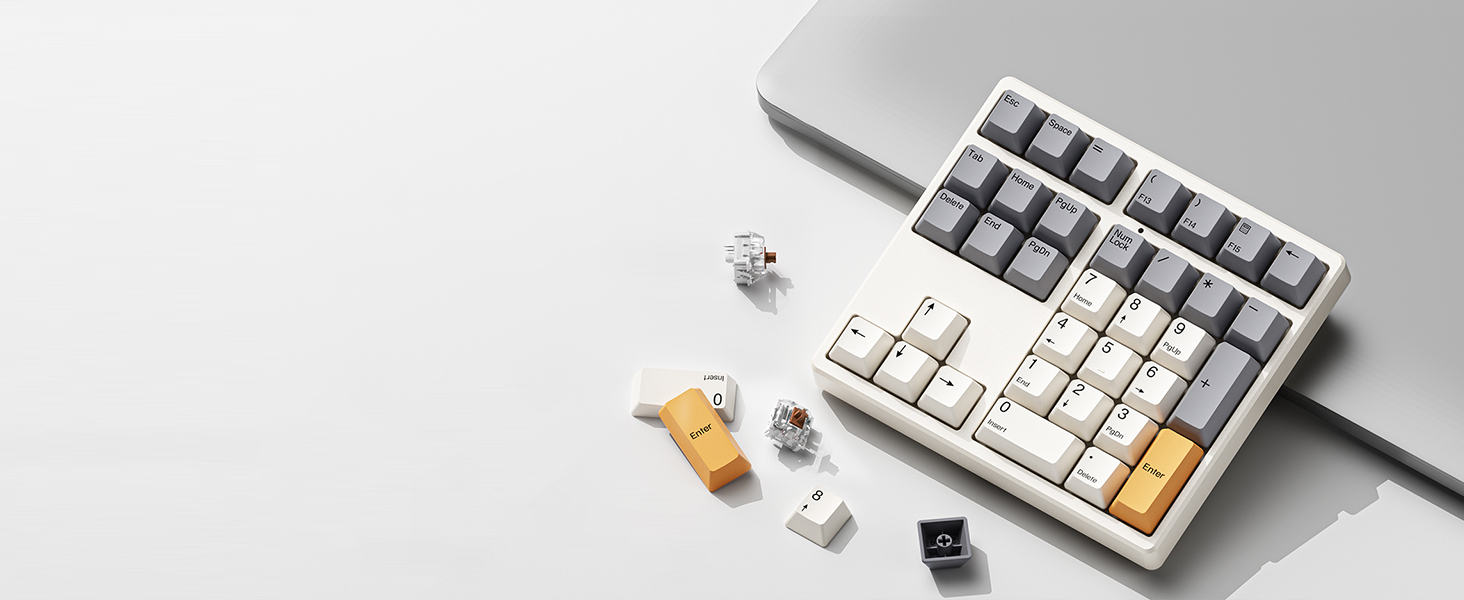 Kisnt KN34
With all the necessary keys for basic calculations and data entry and four arrow keys. Having this keypad now opens up more options for you to go with a compact keyboard.
 Kisnt KN17
AS a standard numeric keypad with PBT Dye keycaps and hot-swap switches. If you are a mechanical keyboard lover, you will love it’s sound and feel in everyday use.
【Less Keys, More Desk】Crafted for users who value style and functionality, the KN85 series is a game-changer in both aesthetics and performance. As a 75% layout keyboard with 85 keys, it retains essential keys (F1-F12, arrow keys, shortcuts) while omitting the dedicated right-side number pad to keeping its compact form. Ideal for small desks, laptop setups, or anyone looking to maximize desk space efficiency.
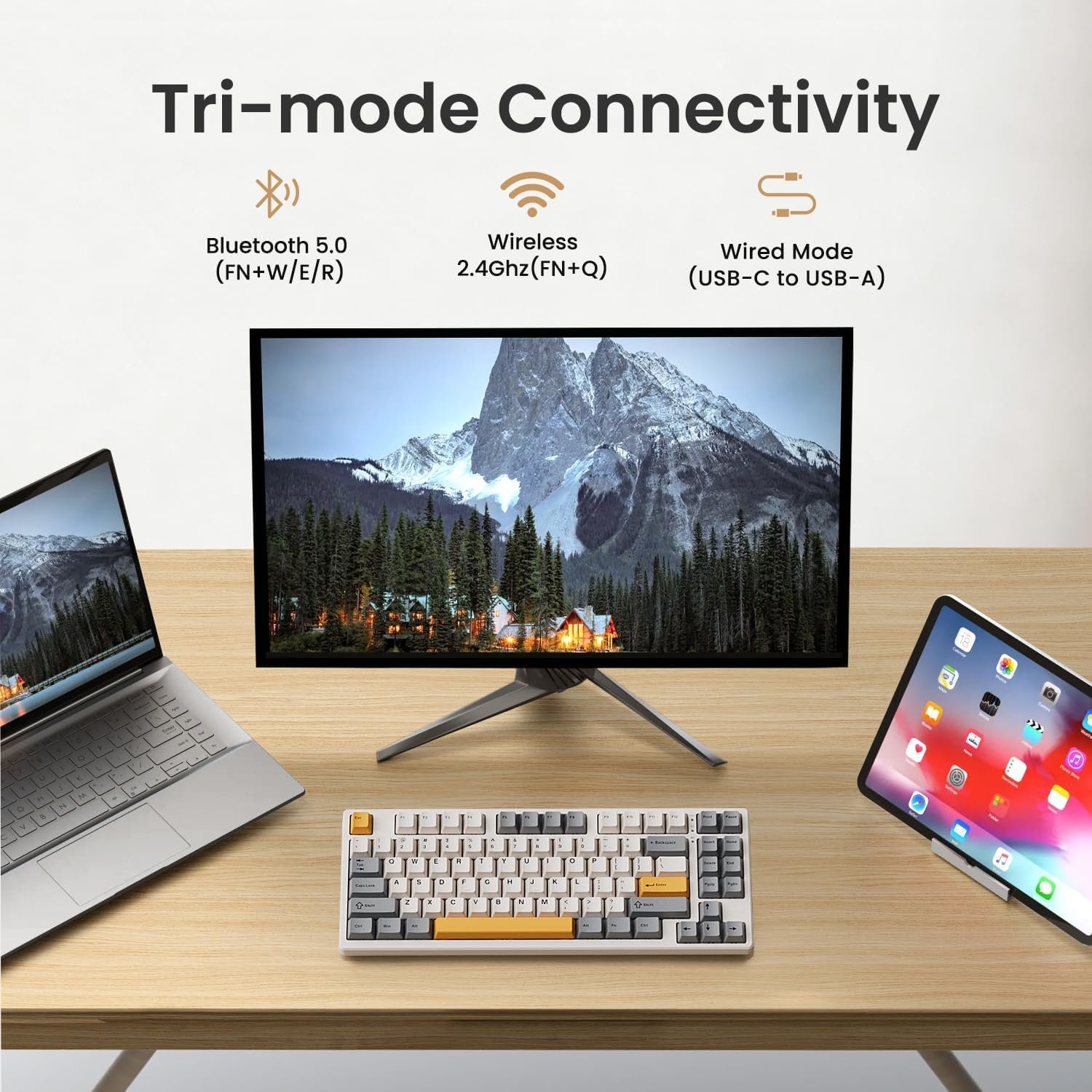
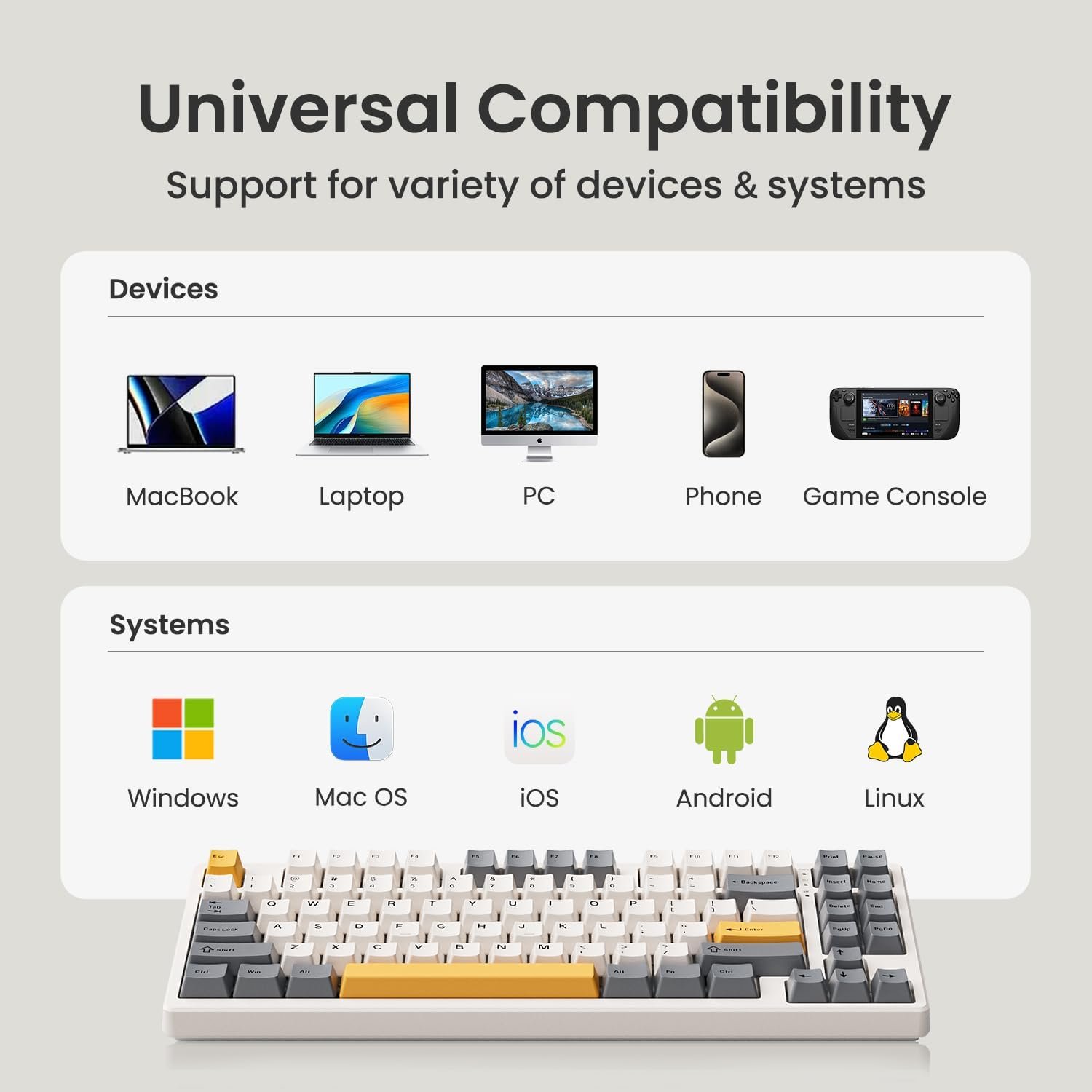
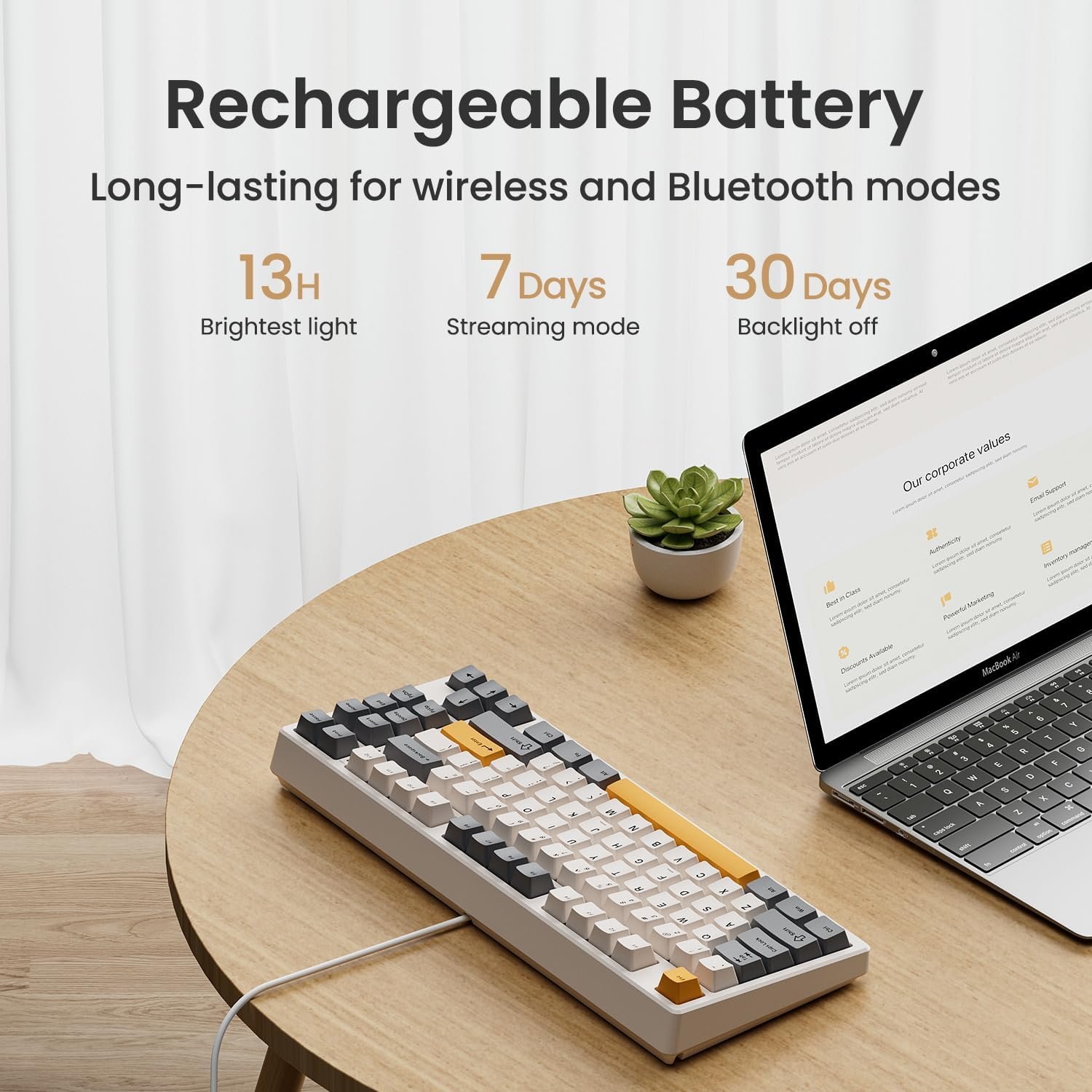
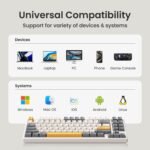
【Connect How You Like】You will be obsessed with the tri-mode connectivity: Wired USB-C, 2.4GHz wireless, and Bluetooth 5.0(3 channels supported). Easily switch between Windows and Mac system to work across your PC, laptop, tablet, smartphone, or gaming console. Whether you’re plugging in for gaming or going wireless for working, it’s got you covered with minimal latency. When connected via the USB-C cable, it operates in wired mode and charges the built-in 4000mAh battery at the same time.
【RGB Backlighting& Programmable】The Bluetooth keyboard has 20 pre-set dynamic effects with adjustable colors and brightness. RGB backlights shine around the PBT keycaps and edges to create the glowing effect, they can be switched through the software or shortcut keys. Also you can use `Fn + ⬇` to dim or turn it off when not needed to extend battery life. Via the KN85 driver, all keys support macro customization, allows you to record and edit macros to improve your work efficiency and gaming competitiveness .(Note:The driver only supports windows system in wired/2.4G mode.)
【Custom Hot Swappable& Linear Switches 】Enjoy buttery smooth keystrokes with pre-lubed Bsun linear switches(45-50gf actuation). Best of all the switches are hot swappable with either 5-pin or 3-pin options, even beginners can easily swap in your preferred tactile/clicky switches to personalize your typing experience. It is a perfect starter keyboard if you want to get into customization. Combining a old school look with modern functionality, it’s also a specific niche gift for tech enthusiasts, gamers, students or professionals.
【Typing Redefined Starts from Kisnt 】Designed with your comfort in mind, this clacky keyboard is absorbing sound effectively. Enhanced with base dampener, silicone pad, along with layers of sound-dampening foam, it delivers a satisfying “thocky” sound, less hollow sounding, just indulge in pure typing bliss and less distracting. If you’re looking to upgrade from traditional keyboards to a creamy one with every keystroke feel consistent, the Kisnt gasket mounted keyboard is definitely your best budget choice.
【Find your Ideal match】Minimalist 75% layout (13.68″ × 5.51″ × 1.77″) keeps your desktop tidy. Need a number pad? Add our 17‑key numpad (KN17/FD17) for data entry. Prefer a full‑size setup? Upgrade to the KN104 (17.52″ × 5.55″ × 1.65″) with a complete numpad.
【2-year Warranty& Support】We treat people the way we’d want to be treated. You will enjoy 24/7 specialist support and 30-day free returns in Kisnt. We stand by our products. Whether it’s damaged packaging, a quality defect, or a used item, contact us via Amazon. We’re here to make it right.
【Important Before You Buy】1. Charge: Fully charge before first use. A full charge ≈7–8h (may vary). Use a 5V 1A charger or a computer USB port. Fast chargers may damage the keyboard. 2. Choose static over animated effects – animated RGB drains more battery. Power off completely during long breaks. 3. Bluetooth Pairing: Toggle to [BT], hold FN+W (or E/R) for 3–5s until key flashes rapidly, then pair with “KN85 BT-1/2/3”. Bluetooth requires Windows 8 or later & Bluetooth 4.0–5.3. 4. Sound& Height: Not silent but creamier, less clacky than traditional mechs. Front height 0.79″. Wrist rest recommended.






Reviews
There are no reviews yet.