







GHome Smart Mini Smart Plug Works with Alexa and Google Home, WiFi Smart Outlet Socket Remote Control Timer Function, Only 2.4GHz Network, No Hub Required, ETL FCC Listed, White
£9.99
Price: $9.99
(as of May 27, 2026 00:35:01 UTC – Details)
Product description

![[Upgraded Version] GHome Smart Mini Plug Compatible with Alexa & Google Home](https://m.media-amazon.com/images/S/aplus-media-library-service-media/68668664-285f-4e6a-a179-1a9f274b82a9.__CR0,0,1464,600_PT0_SX1464_V1___.jpg) Voice Control
Voice Control
Free your hands by using smart plugs and enjoy the funny interactive process.
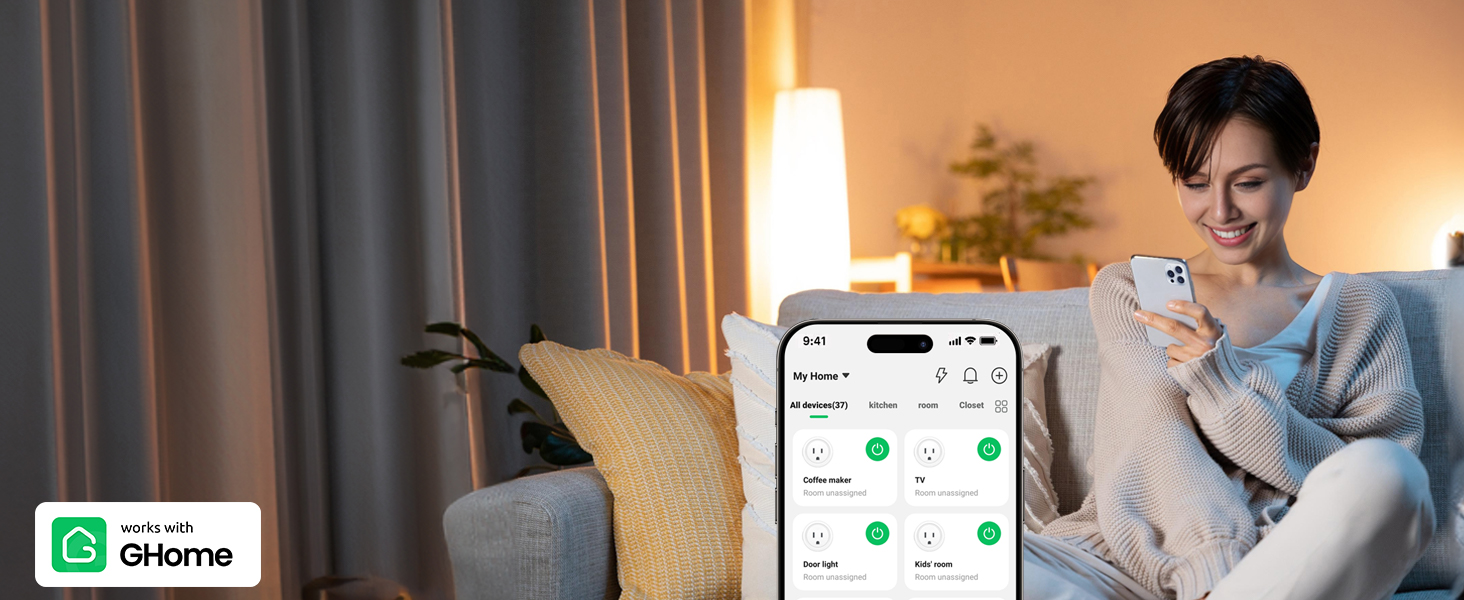 Remote Control
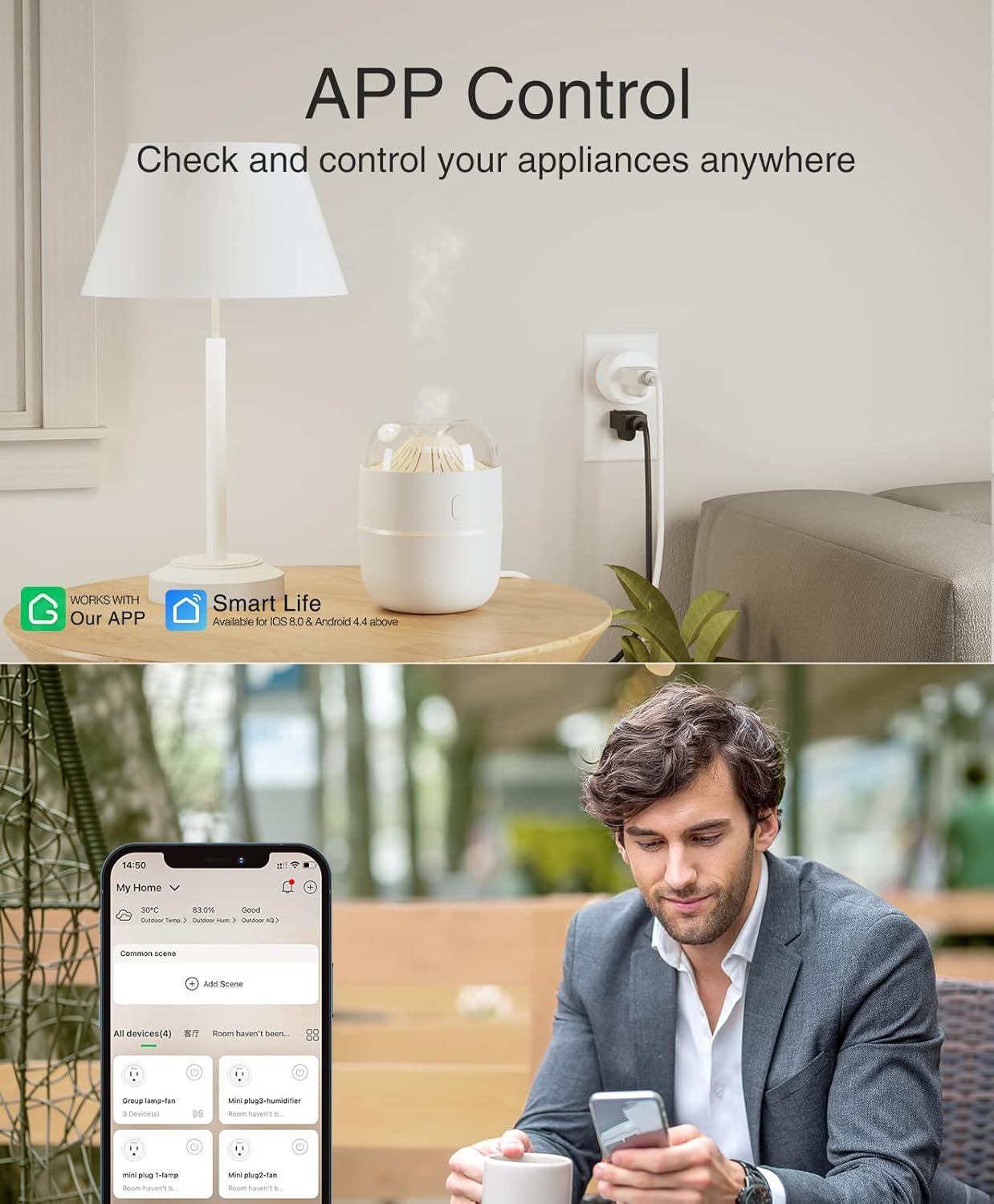
Control your connected home appliances and devices anytime & anywhere.
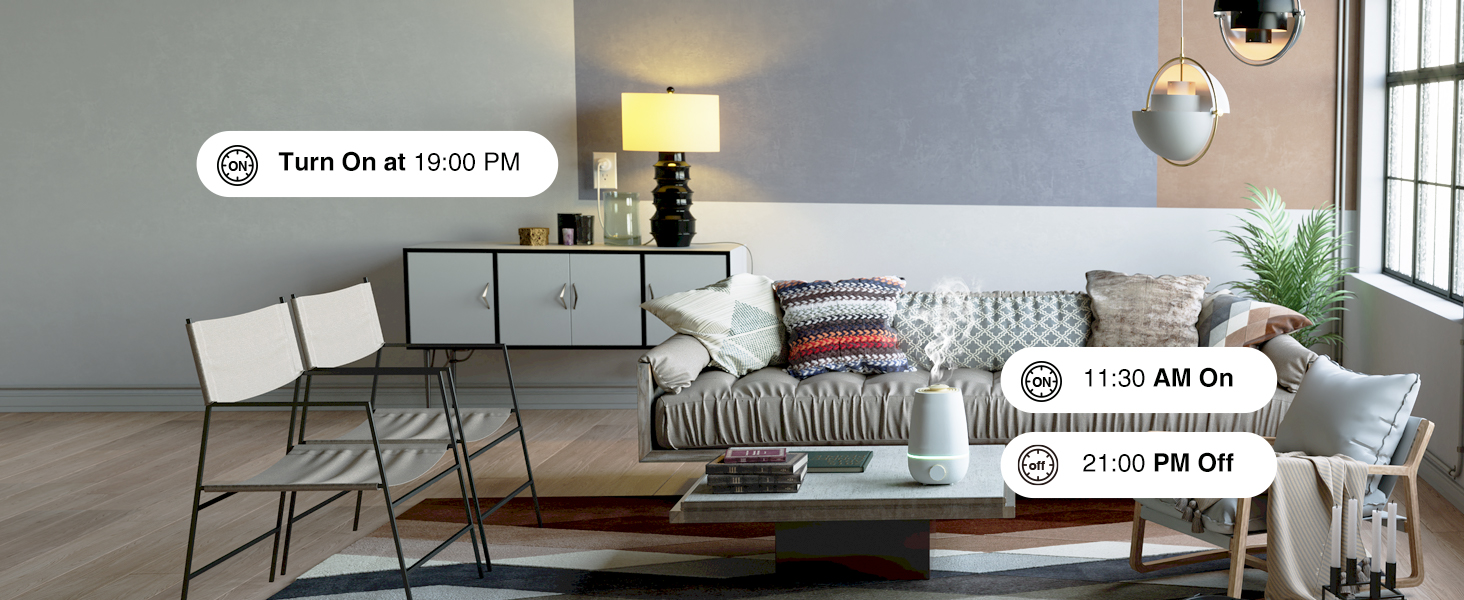 Schedule Your Home
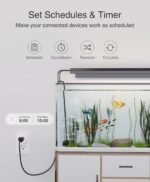
24 hours timer, set schedules for helping save energy and money.
 New APP Name
1 Voice Control
2 APP Control
3 Schedule Your Home
4 New APP Name
![[Upgraded Version] GHome Smart Mini Plug Compatible with Alexa & Google Home](https://m.media-amazon.com/images/S/aplus-media-library-service-media/8ba264ab-848c-4db8-ba5b-a9aa05f3bab2.__CR0,0,1464,600_PT0_SX1464_V1___.jpg) Group Control
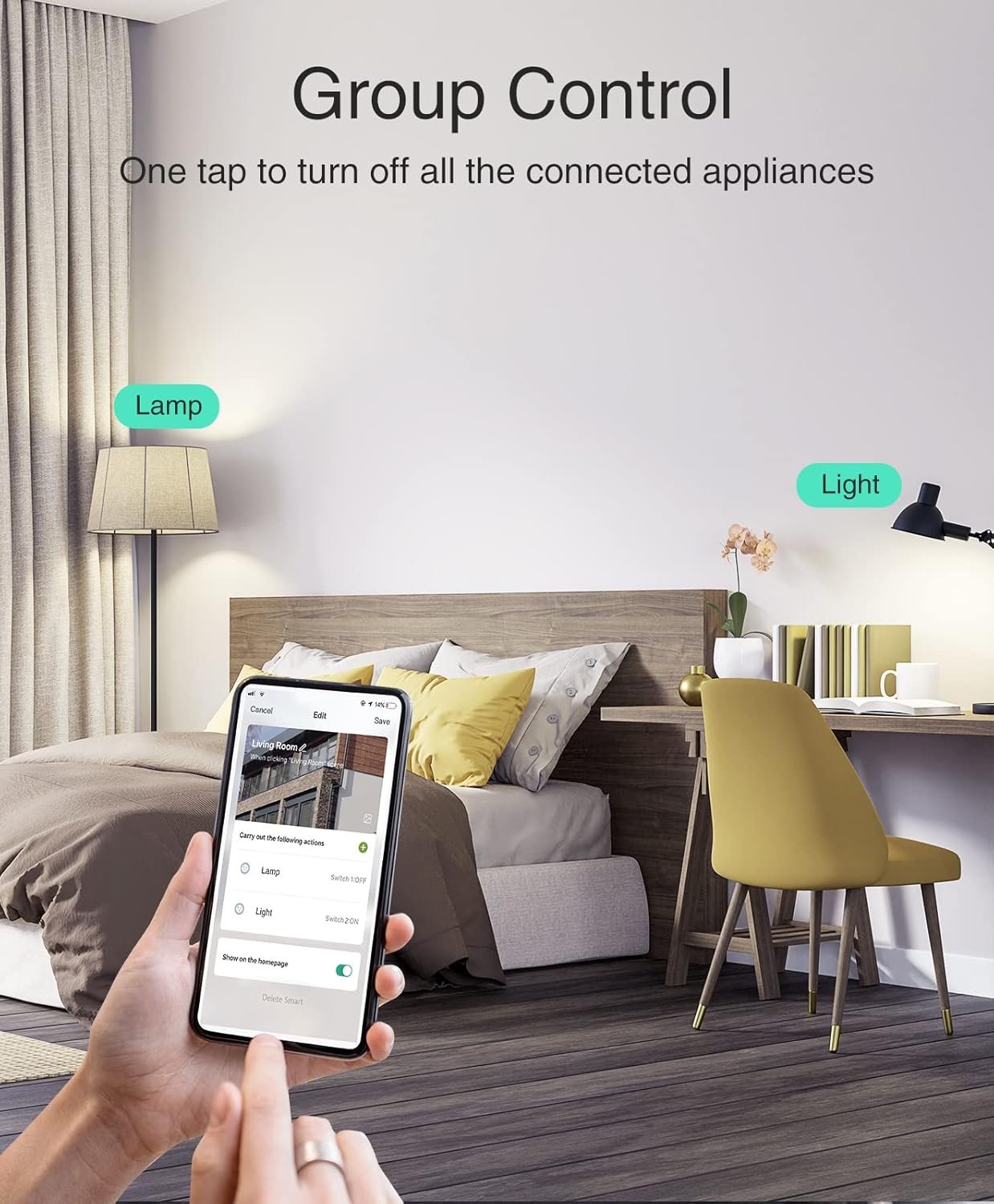
Group Control
Set a group for some smart plugs and control connected appliances with one tap.
![[Upgraded Version] GHome Smart Mini Plug Compatible with Alexa & Google Home](https://m.media-amazon.com/images/S/aplus-media-library-service-media/ddd04419-daf7-4e2a-a880-f025dc311669.__CR0,0,1464,600_PT0_SX1464_V1___.jpg) Compact Design
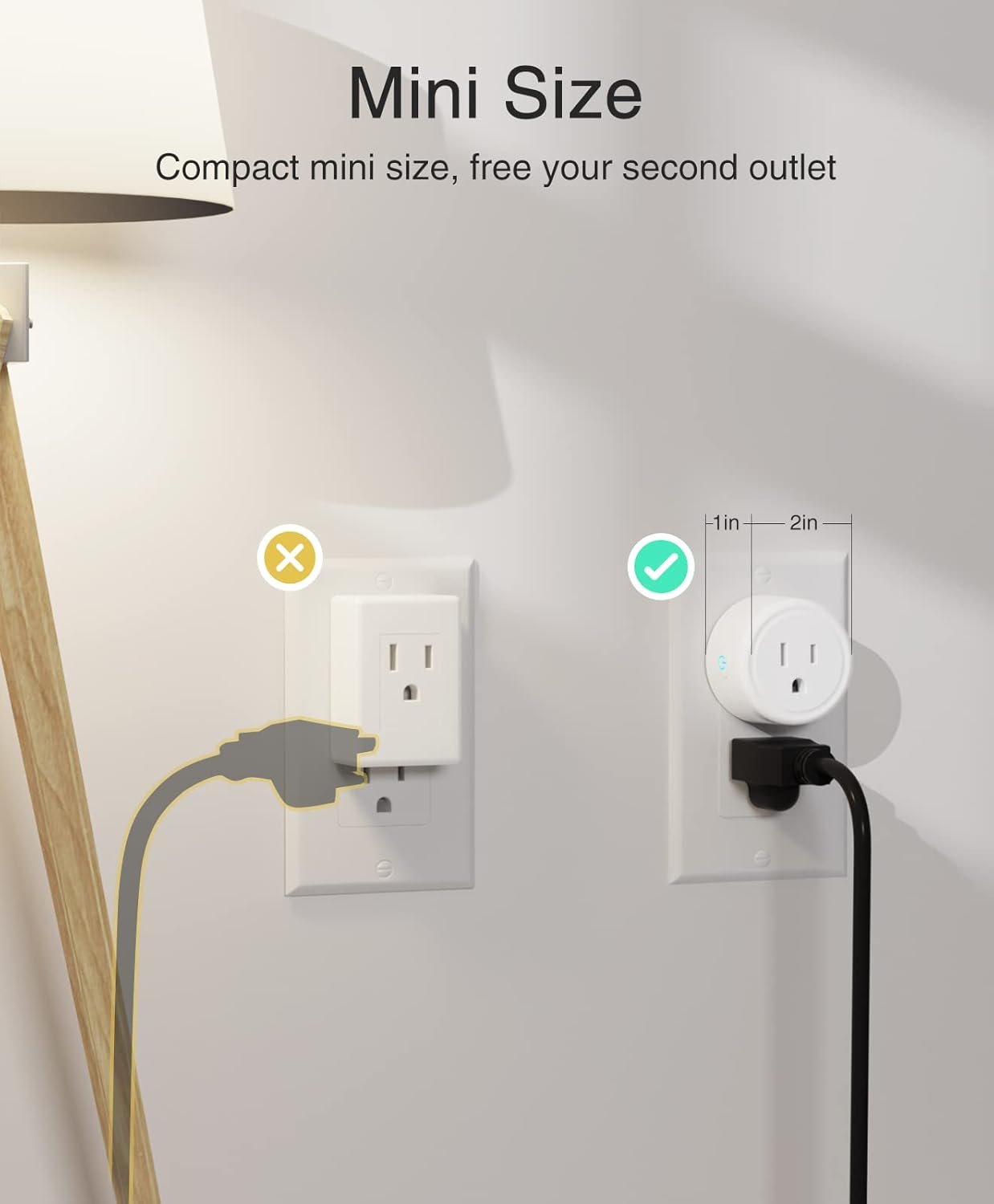
Compact Design
Mini size and switch indicator light that can be turned off, give you better life environment.
![[Upgraded Version] GHome Smart Mini Plug Compatible with Alexa & Google Home](https://m.media-amazon.com/images/S/aplus-media-library-service-media/5939aa98-25c6-40ec-97c8-d92a8698bb78.__CR0,0,1464,600_PT0_SX1464_V1___.jpg) Share To Families
Share To Families
Share your smart plugs with your families and enjoy the smart life together.
1 Group Control 2 Compact Design 3 Share To Families
![[Upgraded Version] GHome Smart Mini Plug Compatible with Alexa & Google Home](https://m.media-amazon.com/images/S/aplus-media-library-service-media/e2c089c4-39f2-4464-a248-23df2dc59c05.__CR0,0,1464,600_PT0_SX1464_V1___.jpg)
![[Upgraded Version] GHome Smart Mini Plug Compatible with Alexa & Google Home](https://m.media-amazon.com/images/S/aplus-media-library-service-media/b29f84ee-02f0-4b12-aa98-17e8f15061ba.__CR0,0,1464,600_PT0_SX1464_V1___.jpg)
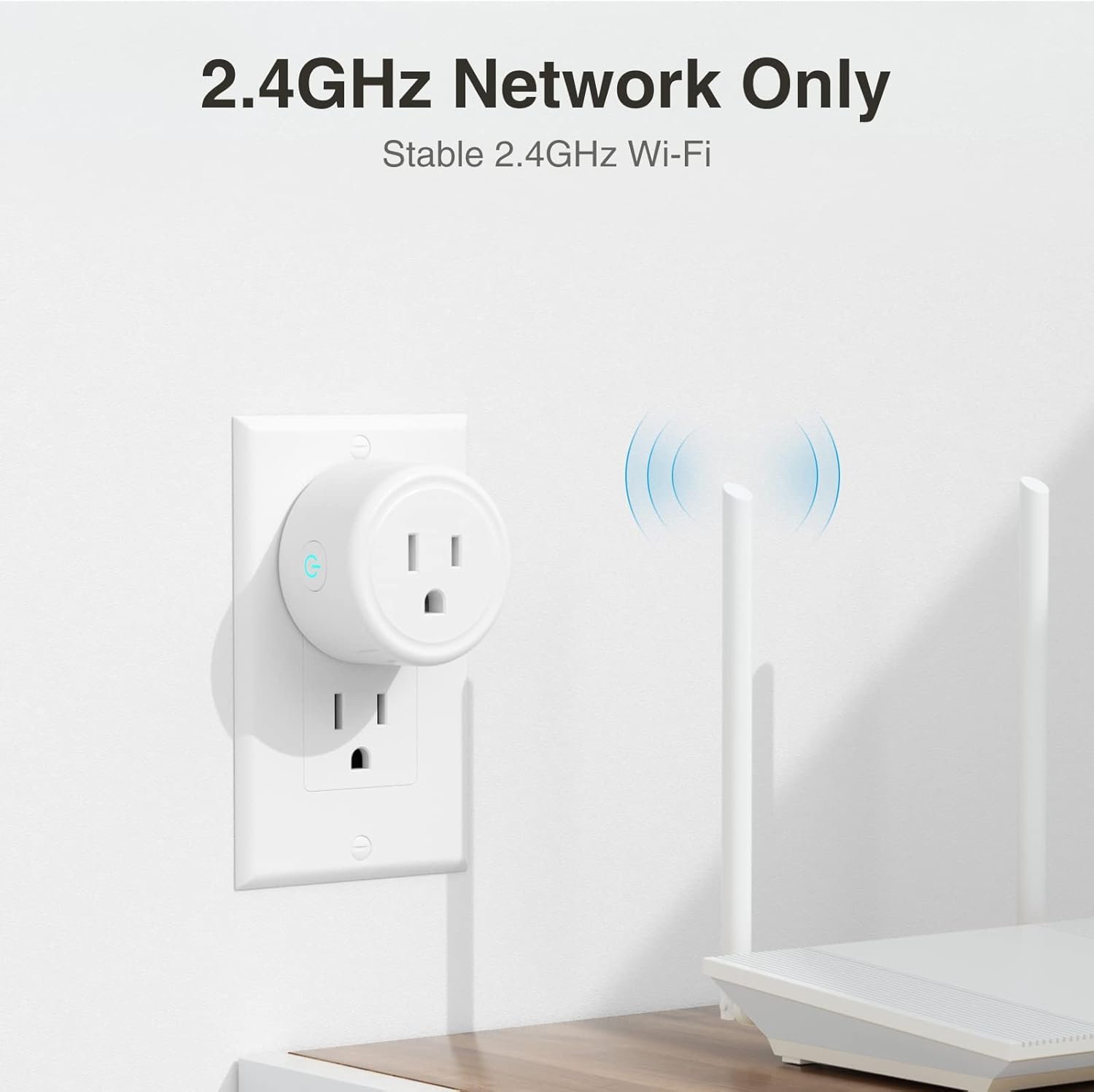
Easy to Set up GHome Smart Plugs via 2.4 GHz Network,No Hub Required 
Tips 1 for Quick Connection
1.Only support 2.4Ghz WiFi while connecting with APP.
2.Support Android5.0 or iOS 13.0 or above.
3.Press and hold the power button for 5-10 seconds ,confirm that the indicator is blinking before connecting.
Tips 2 for Quick Connection
1.Once connected,you can control the outlet anywhere, but keep the smart plug stay on 2.4Ghz WiFi .
2.If can’t be connected , re-press the on/off button for 5s to reset the smart plug and change the Easy mode to AP mode which is more compatible.
How Do I Connect My Dual-band Router to GHome Smart Plugs?
Plan A: Please turn off 5GHz networking before first connecting.
Plan B: Set 2 different SSIDs for the 2.4GHz and 5GHz networks, then connect these plugs to the 2.4GHz WiFi network only.
What APP Connections are Supported?
Our smart outlets compatible with Our APP, Smart Life App and Tuya App.
What Appliances are Supported?
Apply to home appliances which Max load power1200W,10A, please check the load of your appliance before plugging in.
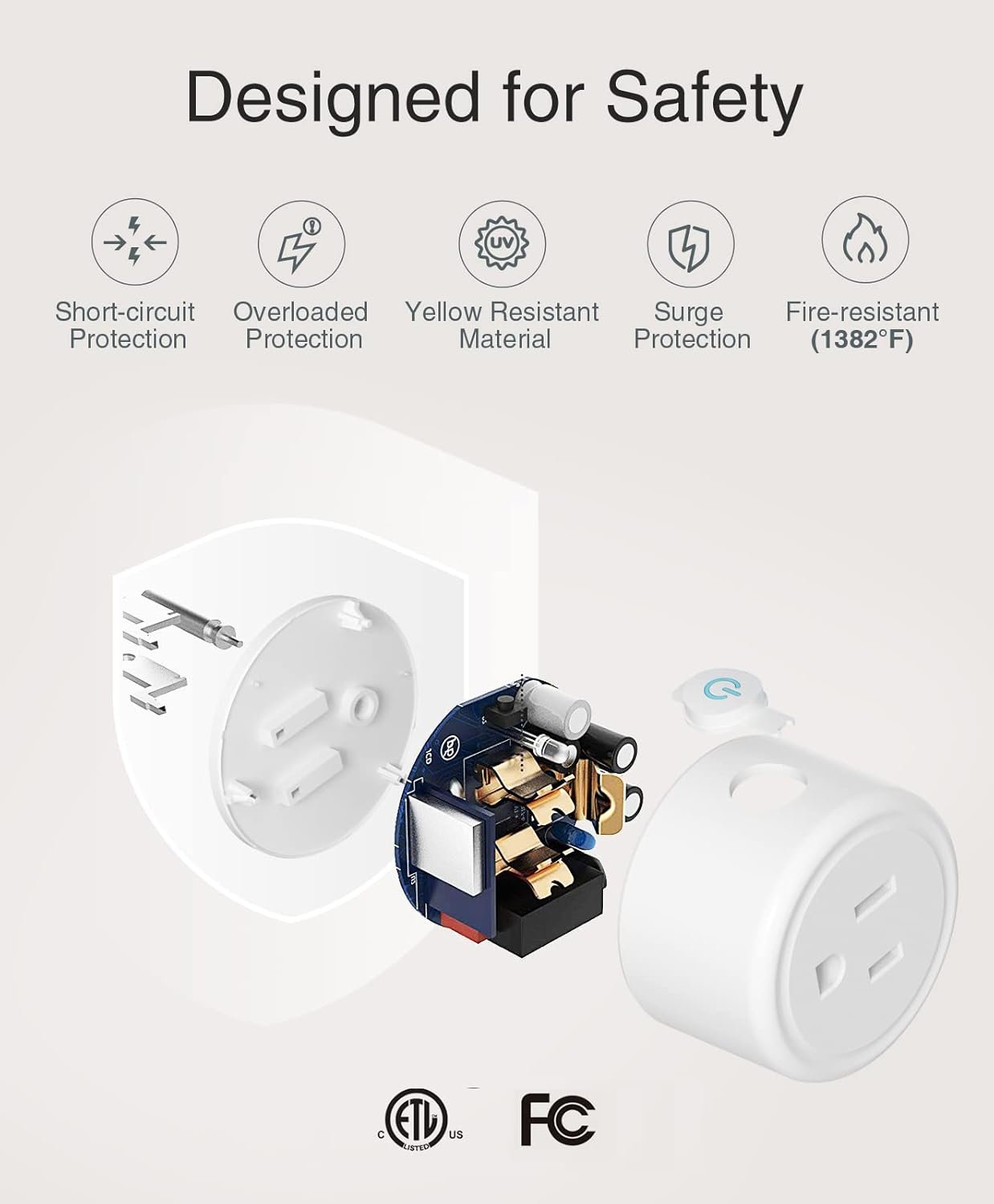
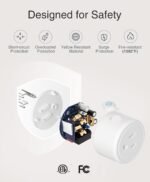
Easy Setup & Certification: Plug-and-play installation with no hub required. 2.4GHz Wi-Fi only (5G is not supported). Certified for safety with ETL FCC listing, flame-retardant materials, and overload protection.
Voice Control: Works with Alexa and Google Home. For setup, please first connect the smart plug to the GHome app, then you can control your devices with simple voice commands.
Scheduling & Timing: Automate your home by setting custom schedules to turn connected devices on and off automatically.
Remote Control via App: Manage your appliances from anywhere using your smartphone with the GHome APP, Smart Life or Tuya app.
Group Control & Sharing: Create groups to manage multiple plugs with one command and easily share access with all family members.
Surge Protection: Built-in surge protection automatically cuts power during voltage spikes to safeguard your connected devices. Note: Max load 10A/1200W, not suitable for high-power appliances.



Reviews
There are no reviews yet.